Share from anywhere, save instantly
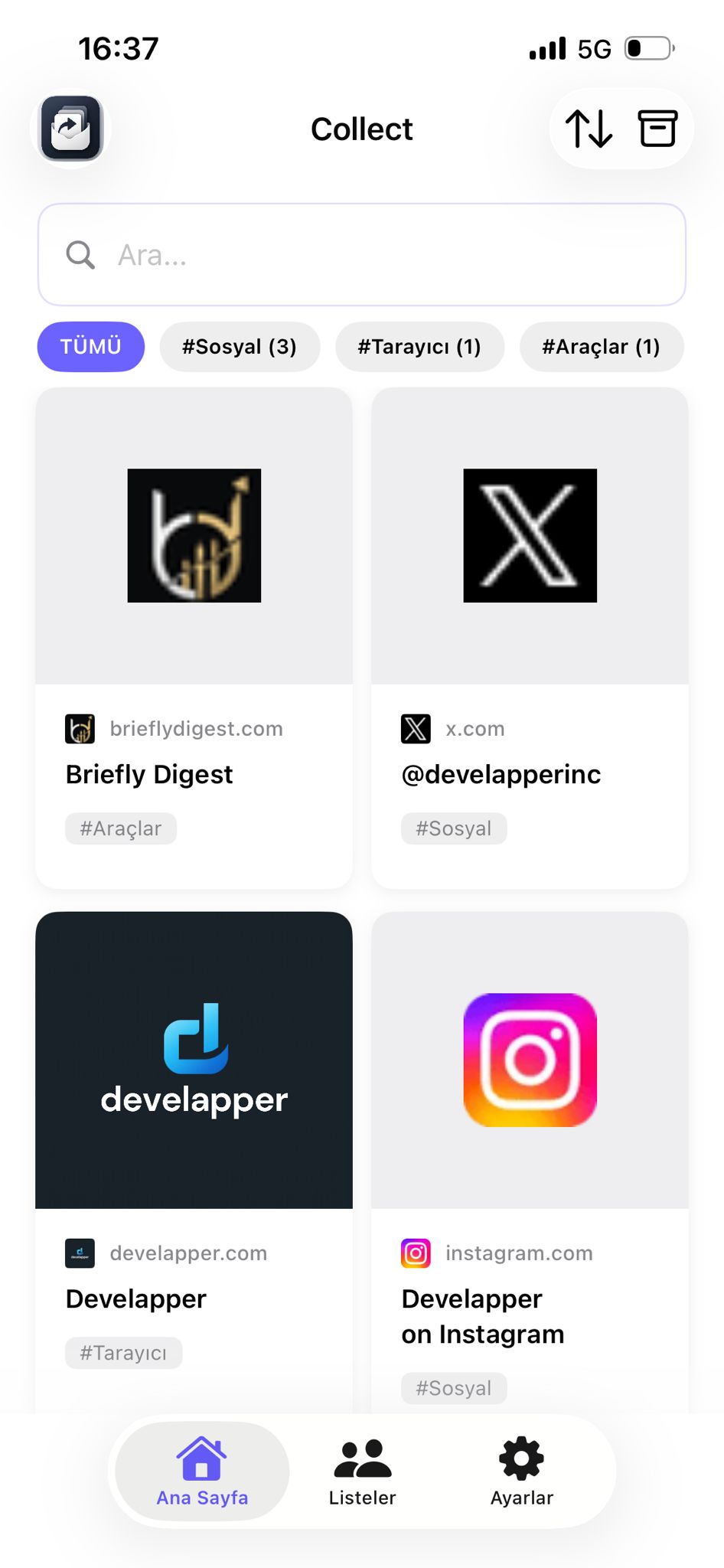
Save links, text, and images instantly from any app with Share → Collect. Organize with tags, archive items, and optionally share lists with others.

How it works
Get started in three simple steps.
Download
Get the app from the App Store or Google Play.
Explore
Explore the interface and try the features.
Connect
Share your experience and connect.
Meet Collect
Save links, text, and images instantly from any app with Share → Collect. Organize with tags, archive items, and optionally share lists with others.
Modern
Save links, text, and images instantly from any app with Share → Collect. Organize with tags, archive items, and optionally share lists with others.
Mobile
Save links, text, and images instantly from any app with Share → Collect. Organize with tags, archive items, and optionally share lists with others.
Intuitive
Save links, text, and images instantly from any app with Share → Collect. Organize with tags, archive items, and optionally share lists with others.
Reliable
Save links, text, and images instantly from any app with Share → Collect. Organize with tags, archive items, and optionally share lists with others.
FAQ
Frequently asked questions
Top questions about Collect.
What is Collect? expand_more
Collect is a save app that keeps links, text, and images you share from any app in one place. You save from the Share menu; the main app is for search, tags, and organization.
How do I save something? expand_more
Open Share in any app (Safari, X, Instagram, etc.), choose Collect, and tap Save. Saving is instant.
How do shared lists work? expand_more
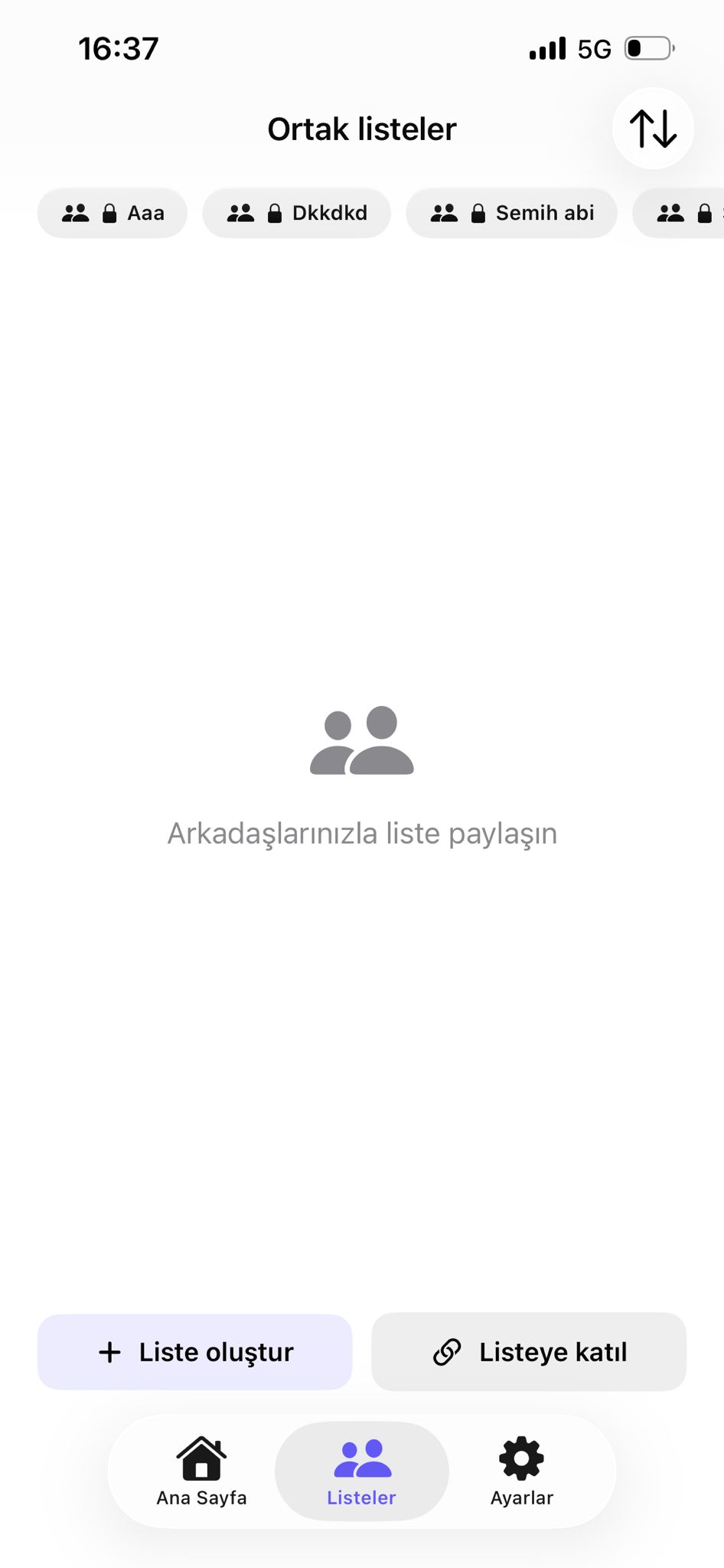
Create a list from Settings → Sharing. Share the invite code with others so they can join. List owners can delete the list; members can leave.
Collect doesn’t appear in the Share menu—what should I do? expand_more
On the share sheet, scroll right, tap More, and enable Collect. If it still does not appear, reinstall the app and try again.
support_agent Help & resources
More about Collect
Legal pages, support center, and our other products — all in one place.